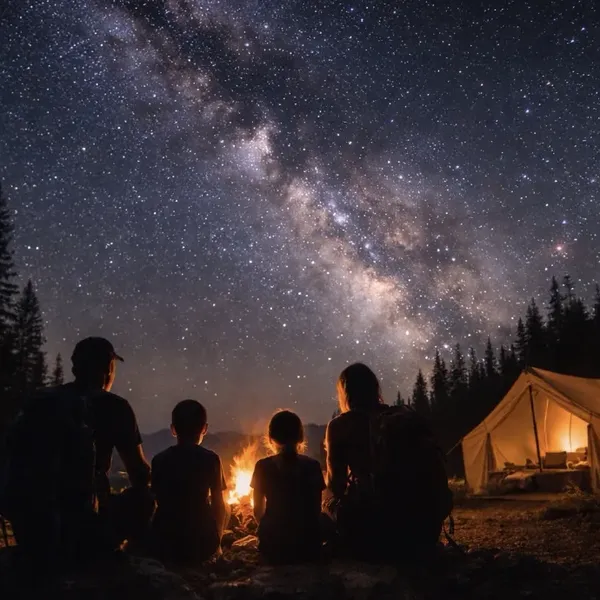
12 days
Family Camping Trip
Feb 15, 2026
Shared plans, favorite photos, and something to look forward to. Turn your Apple TV into a board that feels like home, all from your iPhone.
Set up the board on your iPhone and it appears on your Apple TV. Changes travel over your local Wi-Fi network. Pair more than one TV and give each its own layout, theme, and playlist.
Schedule layouts by time of day and weekday for each Apple TV. The TV switches on its own, even when your iPhone is away, and keeps a local copy of its dashboard.
The illustrated in-app Guide walks you through layouts and widgets. If you need to reconnect, Pair Again on Apple TV returns to the pairing code.
Pick one of twelve layouts, a theme, and how the board greets you. Try it here; the iPhone app offers the same choices for every TV you pair.
 12 days · Camping Trip 12 days · Camping Trip
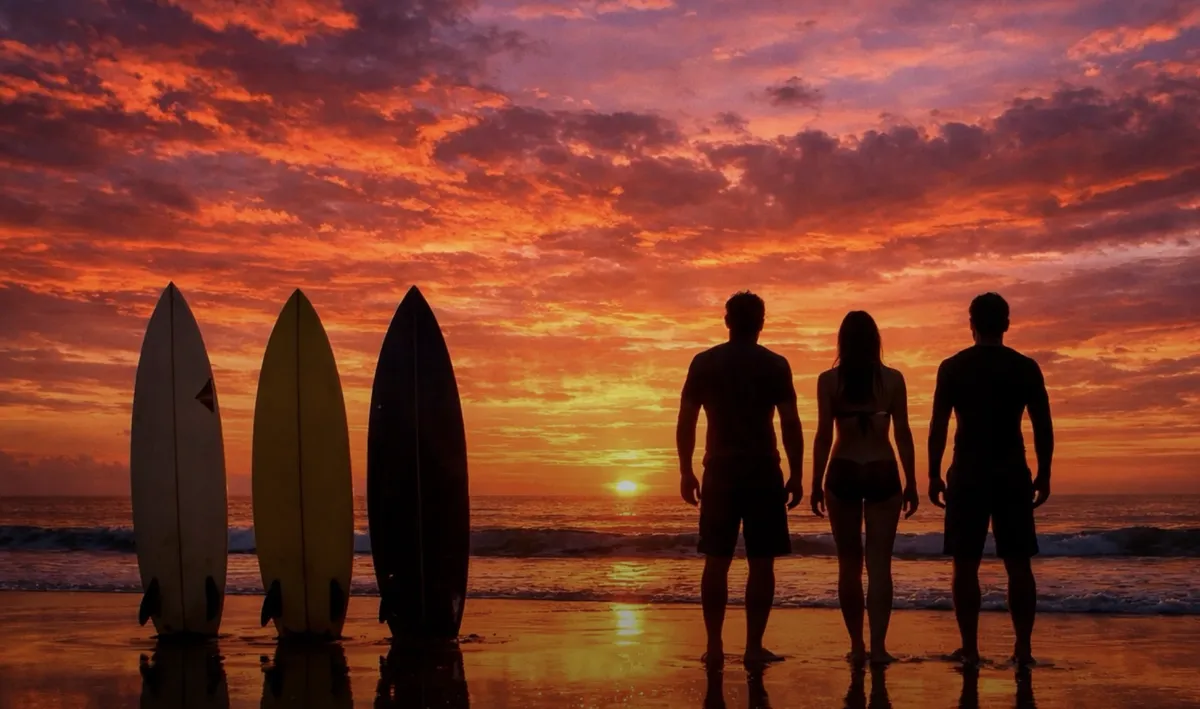


 38 days · Theme Park 38 days · Theme Park 38 days · Theme Park 12 days · Camping Trip 17 days · Surf meetup
Eight widgets keep the next adventure, today’s plans, and the everyday essentials in view: countdowns, your Apple Calendar, weather, lists, photo albums, Apple Music playlists, notes, and tidbits.
12 days
Family Camping Trip
Feb 15, 2026
Dinner is in the oven. See you at seven!
Love, Sam
Serendipity
Finding something good when you weren’t looking for it.
A wrong turn led us to our favorite café.
Illustrative previews. Configure your widgets in the iPhone app. Apple Music playback requires an Apple Music subscription.
Celebrate birthdays, arrivals, and family nights in from Quick Effects on your iPhone. Each TV plays one show at a time, and Pixie can drift across the screen alongside it.
Choose Confetti, Fireworks, Sparkles, Shooting Stars, Lanterns, Bubbles, Balloons, Butterflies, Petal Breeze, Snow Magic, Parade Lights, or Magic Spell, or let Surprise pick one. Quick Effects shows what your selected TV can play.
Try a few here. This page plays the part of your TV.
Quick Effects
Illustrative website previews
Install Dawnboard on your iPhone and Apple TV, then pair them with one scan.
Requires iOS 26.0 or later, tvOS 26.0 or later, and both devices on the same Wi-Fi network.
Shows your board on the big screen
On your Apple TV, open the App Store and search for Dawnboard.
Requires tvOS 26 or later.